
Export Any Twitter/X Followers List to CSV
Download the followers list of any public Twitter/X account in CSV format (opens in Excel, Google Sheets, and Numbers) by entering its handle. Perfect for competitor analysis, audience research, and influencer marketing. Need who they follow instead? Export their following list. Also explore Twitter tweets data and target audience search.
Followers/following pricing: from $0.00017 per record. Min price: $5.99.
📊 Download Followers/Following Sample CSV | 📊 Download Tweets Sample CSV
How to export Twitter followers
- 1
Enter the account's handle or profile URL above, plus your email address.
- 2
Choose Followers in the results. You see the follower count and the exact price before paying.
- 3
Pay by card. We collect the full list on our servers, so you can close the tab.
- 4
We email you a link to download the list as CSV or XLSX.
What's in the CSV
One row per follower, with 25 columns you can sort and filter:
| username | name | description | location | followers_count | created_at |
|---|---|---|---|---|---|
| example_brand | Example Brand | Coffee roasters. Shipping worldwide. | Seattle, WA | 48210 | 2012-03-14 |
| example_analyst | Sam Example | Market analyst. Views my own. | London | 3917 | 2019-08-02 |
Example rows with made-up accounts, showing 6 of the 25 columns.
twtData or a browser extension?
Chrome extensions can export a follower or following list too. On 8 October 2026 we read the store pages and pricing of 6 popular ones. Here is how they compare.
| twtData | Browser extensions | |
|---|---|---|
| Where it runs | On our servers. You can close the tab while the export runs. | In your browser, while it reads the list from X. Several mention X's rate limits. |
| Your X account | Not needed. You enter the handle and your email address. | Some run through the X account logged in to your browser. One suggests a separate X account so yours is not flagged. |
| Price | One payment per list, from $5.99, with no subscription. You see the exact price before you pay. | Free for 150 to 300 accounts per export. Paid plans cost $9.99 to $25 a month (4 of the 6 publish prices). |
| Largest list | Any size, including accounts with millions of followers. | Paid plans that state a limit allow 50,000 or 100,000 accounts per export. |
| Columns | 25 per account, as CSV or XLSX. | 8 to 26 fields, depending on the extension. |
An extension costs less for a few hundred accounts, or if you export lists of up to 100,000 every month. twtData suits a one-off list, accounts with millions of followers, or an export you would rather not run through your own X account.
Developers can also pull the list through the X API. X's pricing page (read on 9 October 2026) charges $0.010 for each follower or following account it returns, so 25,000 accounts cost $250 in API credits before any code is written. The same list costs $15 here.
Optional add-on
Get a Follower Analytics Report
Beyond the raw CSV: turn your followers list into an audience intelligence report: influence tiers, top interests, bot risk, geographic breakdown, lead potential, and more. Paired with any followers or following export.
See a sample reportWho We Serve

Digital Marketing Agencies
Drive success for your clients with data driven decisions

Brands/Influencers
Use data to analyse and understand your social media image.


Crypto & NFT Projects
Verify influencers, detect bots, analyze sentiment. Data for traders and NFT marketing.

Finance / Investment Traders
Twitter cashtags and sentiment analysis are key market movers. Track crypto influencers and detect bot manipulation.

Researchers
Enhance your academic research with recent and historical data
Make more strategic business decisions
Today's largest and most successful organizations use data to their advantage when making business decisions. To better understand how you can incorporate Twitter/X data into your decision-making process, consider the below:

Understand your audience
Export your Twitter followers and perform analysis on a user-specific level to enhace your marketing strategy. Understand the influencers following you, the demographics of your followers, the language they tweet, their interests and more.

Bot or Not
Twitter is swarming with bots and fake accounts. Download follower data and perform advanced analytics to help you identify fake accounts to enhance your marketing strategy to target those that really matter.

Grow your followers
Download competitors followers and begin to engage with your future customers. Follow them, mention them with Twitter/X Ads or even directly DM them. Using the data and performing analytics can help you target the right handles and formulate a compelling introduction to increase your followers.

Optimize Twitter/X Ads Strategy
Enhance your Twitter/X Ads ROI by targeting your competitors followers. Download their followers and upload them as a custom audience.

Competitor Insights
Export the followers of your competitors and conduct analysis. Use the data to understand your target market and promote your service/product to handles that are already warm leads.

Identify real influencers
Leverage follower data; conduct analytics and identify Twitter/X influencers for you to target.
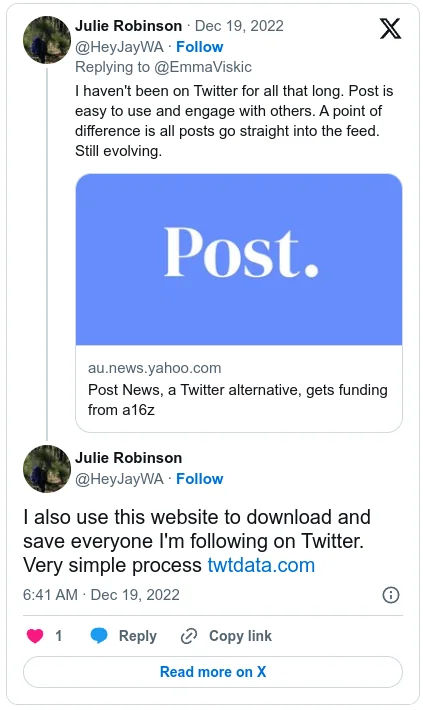
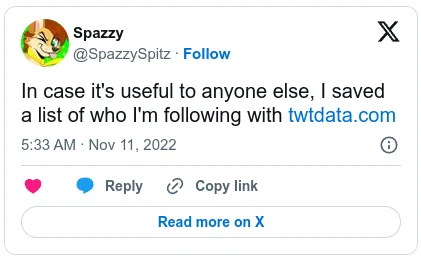
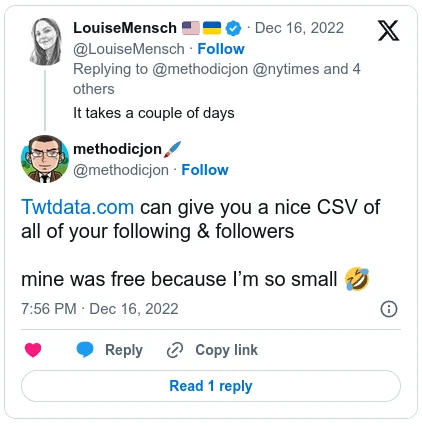
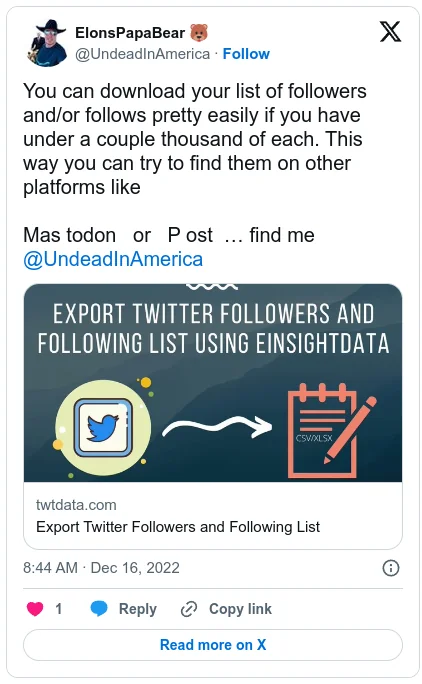
We serve people like you:

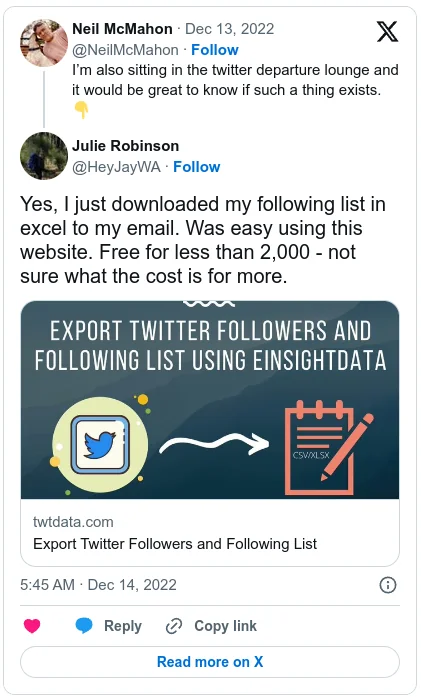
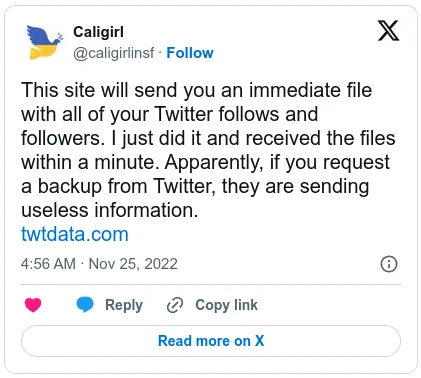
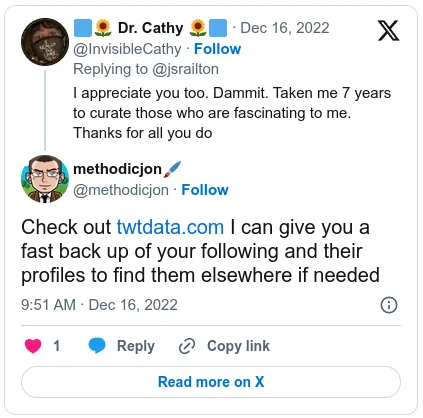
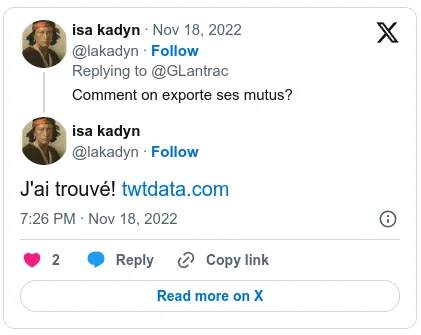

We'd Love To Have You On Our Mailing List!
Subscribe to receive updates about new features, tips, and special offers.
Frequently Asked Questions
A followers list shows who an account reaches. Profile locations tell you where its audience is, the most common words in their bios show what they care about, and comparing a competitor's followers with yours shows whom they reach that you don't. Post counts and account creation dates help you spot inactive, brand-new or bot-like accounts.
The export runs on our servers, so it works for lists of any size, including accounts with millions of followers, and you can close the tab while it runs. You get 25 columns per follower as CSV or XLSX, you see the exact price before you pay, and the rate per follower drops for large lists. If anything goes wrong, our support team answers by email.
On X, open the account's profile and select Followers. The list loads a few accounts at a time as you scroll, and X has no option to download another account's followers. To get the full list as a file, enter the handle at the top of this page: you see the follower count and the price before you pay, and we email you a link to download the list as CSV or XLSX.
1. Enter the account's handle or profile URL above, plus your email address.
2. Choose Followers in the results. You see the follower count and the exact price before paying.
3. Pay by card. We collect the full list on our servers, so you can close the tab.
4. We email you a link to download the list as CSV or XLSX.
Scrolling X's followers page and copying it by hand stops working after a few hundred accounts. Instead, enter the handle and your email address at the top of this page and choose Followers. You see the price first, pay by card, and we email you the full list as a CSV file, which opens in Excel, Numbers or Google Sheets. To export the followers of several accounts at once, contact us at [email protected].
One row per follower, with 25 columns you can sort and filter:
- • Account ID
- • Username / handle
- • Display name
- • Bio
- • Links, hashtags and mentions in the bio
- • Location
- • Website
- • Account creation date
- • Followers count
- • Following count
- • Post count
- • Likes count
- • Media count
- • Listed count
- • Verified status and type
- • Protected status
- • Pinned post ID
- • Profile and banner image URLs
Twitter removed Audience Insights in January 2020, so X's own analytics no longer shows who your followers are. Open a followers export in Excel or Google Sheets and sort or filter by the columns you need: location, follower count, post count, account creation date, verified status and more.
Twitter bio is that small piece of text that's public to everybody and appears below your profile picture. And yes, you can search the bios of an account's followers simply by transferring the CSV or the xlsx file into your Excel or Google Sheets.
Once you do that, just use the Search function (Ctrl+F) and type in the term that interests you. You will immediately see how common it is and be able to browse the bios that have it. Really easy and will only take a minute to set up.
There are a few ways to tell if a follower is fake, a bot or just an inactive account. It's important to make the distinction between a real and a fake account for better engagement results.
You can use twtData to get a followers report for any account. In the report, you get a list of detailed metrics that can help you identify fake Twitter followers.
Pricing is per follower with a $5.99 minimum, and the rate per follower drops for lists over 100,000. Enter a handle above to see the exact price before you pay. Every tier is on the pricing page.
Enter the handle at the top of this page, choose Followers in the results and pay the price shown. We collect every follower on our servers and email you a CSV or XLSX link, with 25 columns per follower: username, name, bio, location, follower counts, join date and more. You do not need the account's password.
Yes. Any public account works, including competitors and influencers. Protected (private) accounts cannot be exported, because their followers are only visible to people they have approved.
The same way. The export runs on our servers until it finishes, however long the list, and larger lists get a lower rate per follower. See exporting large accounts for how it works.